Will This Battery Fit My Cordless Tool? A Buying Checklist
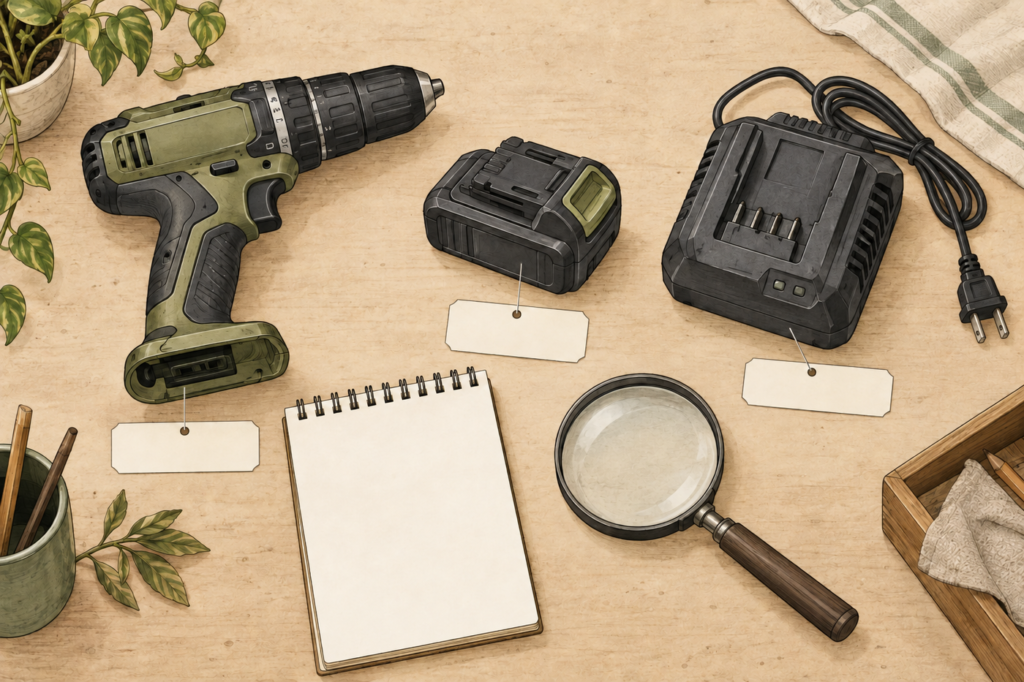
To verify a cordless tool battery, match the exact tool, battery, and charger models against the manufacturer’s compatibility information. Voltage and physical appearance alone do not establish a supported combination.
If you’re ordering a spare or replacing a missing battery, this checklist helps you collect the information needed for a clear answer. The goal is a documented match before purchase or use.
Cover: AI-generated editorial illustration. The generic tool, battery, and charger are shown separately and are not a verified compatible set or a SEESE package.
Start with the model number on each item
Find the tool’s model identifier in its documentation or product label. Record the battery and charger model numbers separately. Photograph the labels if that helps you read them or request support; keep each image associated with the correct item.
When you no longer have the original battery, start with the tool and its instructions. A photo of the empty battery slot can be useful context, but don’t treat visual resemblance as the final answer.
Manufacturer guidance is specific about these relationships. The battery sections of the DEWALT DCPW550 instruction manual direct users to designated packs and specified chargers, and warn against modifying a pack to fit an incompatible charger. That supports checking the exact combination; it does not establish compatibility for any SEESE model.
Your cordless tool battery compatibility worksheet
Complete one row for each item. Keep an unanswered question marked “not yet confirmed” rather than guessing from a product photo.
| Item | What to record | Useful evidence |
|---|---|---|
| Tool | Brand and full model number, including any suffix. | Readable model label and the matching instruction manual. |
| Existing battery, if available | Full model and the voltage/capacity wording on its label. | Label photo and its documented tool compatibility. |
| Proposed replacement | Exact product and selected option. | Manufacturer compatibility statement covering your tool. |
| Charger | Full model number and documented supported packs. | Charger instructions or an official compatibility table. |
| Package | Battery only, or a package including charging equipment. | Written contents for the option you are ordering. |
Also record the source and date of a compatibility confirmation. Saving the relevant manual page or support reply makes the decision easier to revisit when ordering another spare.
How to evaluate a compatibility answer
A useful answer identifies the specific battery and tool, plus the charger you plan to use. Broad phrases such as “fits cordless tools” or a shared voltage label leave that relationship unresolved.
- Confirmed: The manufacturer’s documentation or model-specific support reply explicitly covers the combination.
- Not yet confirmed: You have a similar-looking pack, matching voltage wording, or an incomplete answer.
- Not supported: The manufacturer explicitly excludes the combination.
A missing model from a short marketing description is not automatically proof that it is incompatible. It is a reason to obtain the full compatibility information. Until then, keep the combination unconfirmed and don’t use a trial fit as the test.
Do not modify a battery, charger, or interface to make an unconfirmed combination fit. Follow the instructions for the exact equipment.
What the SEESE 21V Max battery listing tells you
The SEESE 21V Max 4.0Ah rechargeable lithium-ion battery pack is described as a removable slide-on pack for compatible SEESE tools. Its product page states that fit depends on the exact tool and charger.
The listed voltage and capacity do not supply a complete model compatibility table. Send SEESE support your tool, existing battery if available, and charger model numbers before selecting a replacement. Use the battery and charger compatibility guide to organize that check.
This guide does not establish a universal SEESE battery platform, cross-brand compatibility, or a runtime estimate. Keep the label wording intact when asking about a match.
A message you can copy to product support
I’m checking a replacement battery before ordering. My tool model is ____. My current battery model is ____ (or unavailable). My charger model is ____. I’m considering this product and option: ____. Can you confirm that this exact battery works with both my tool and charger, and confirm what the package includes? I’ve attached clear label photos.
Example situation: You own a cordless tool, but only have its model label and an unrelated charger. That is enough to begin the inquiry. It is not enough to order a replacement solely by voltage. Keep the charger question open until the manufacturer confirms a suitable pairing.
Questions before buying
Is matching voltage enough?
No. Use the exact model compatibility information for the tool, battery, and charger. A matching voltage label is one piece of product identification, not proof that the whole combination is supported.
Does the same brand mean the battery fits every tool?
Don’t assume a brand has only one battery system or that all of its products share a charger. Confirm the particular models. For the SEESE pack discussed here, the current listing explicitly makes compatibility model-specific.
What if I can’t read the old battery label?
Provide the tool’s model and instructions, the charger model, and clear photos of what remains readable. Ask the manufacturer to identify the supported replacement. Do not invent a model number from the case shape or a similar listing.
Your next step: Complete the worksheet and send your model numbers to SEESE product support for confirmation before buying.
About this guide: Prepared for SEESE using its battery listing and linked manufacturer guidance. It is a compatibility-checking process, not a tested battery fitment chart or an electrical modification guide.